−50%
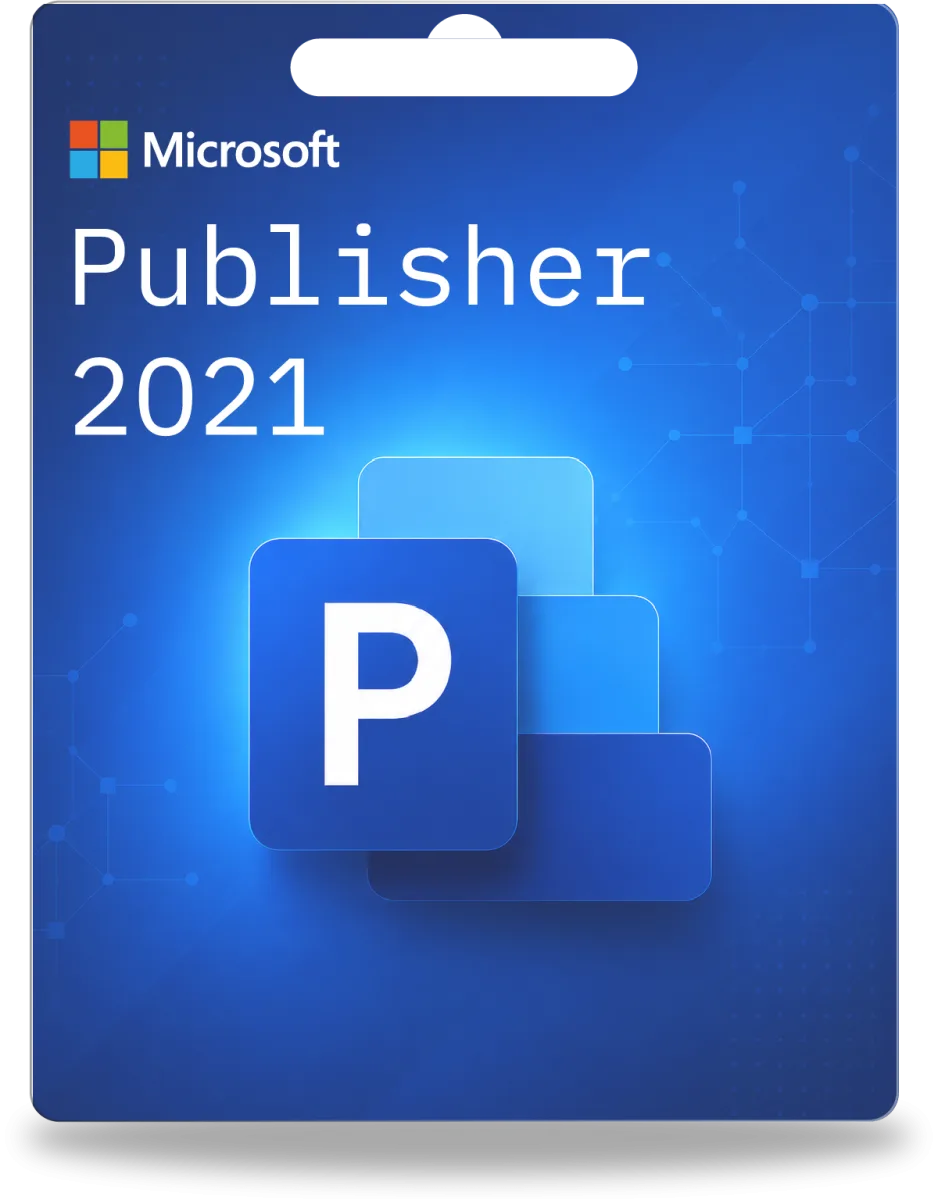
Microsoft Uitgever 2021
- Origineel
- Direct
- Garantie
39,95€
79,95€
U bespaart 40,00€
incl. 21% btw · Geen verzendkosten
Origineel Microsoft Publisher-Productcode rechtstreeks van een geverifieerde dealer. Activeringsgarantie, Factuur met btw inbegrepen — geen abonnement, geen wachttijd.
Directe levering
Per e-mail
BTW-factuur
Particulier & Zakelijk
Garantie
Vervanging bij activeringsproblemen
Ondersteuning
Chat, e-mail & WhatsApp
incl. 21% btw · Geen verzendkosten
incl. 21% btw · Geen verzendkosten
incl. 21% btw · Geen verzendkosten
incl. 21% btw · Geen verzendkosten
Microsoft Publisher is desktop publishing software van Microsoft waarmee gebruikers professioneel ogende marketingmateriaal, brochures, nieuwsbrieven, flyers en nog veel meer kunnen maken. In tegenstelling tot tekstverwerkingsprogramma's zoals Word, ligt de focus van Publisher op de paginalay-out, de plaatsing van tekstvakken, afbeeldingen en grafische elementen op een pagina om visueel aantrekkelijke publicaties te ontwerpen. Het is een onmisbaar hulpmiddel voor kleine bedrijven, verenigingen of zelfs particuliere gebruikers die hoogwaardige drukwerk willen maken zonder professionele ontwerpvaardigheden. Ontdek de mogelijkheden en koop Office met Publisher voor uw creatieve projecten.
Bij het kiezen van de juiste Microsoft Office editie speelt de versie van Publisher een belangrijke rol. Of u nu een oudere, beproefde versie zoals Microsoft Publisher 2013 of een recentere variant zoals Microsoft Publisher 2021 verkiest, elke versie biedt specifieke functies en compatibiliteiten. Als u op zoek bent naar een uitgebreidere Office-suite, bent u mogelijk ook geïnteresseerd in de aankoop van Office 2021, dat naast Publisher ook andere belangrijke toepassingen zoals Word en Excel bevat.
Voor professionele diagrammen en procesvisualisaties kan Visio ook een interessante aanvulling zijn, terwijl u met Microsoft Excel 2013 uw gegevensanalyses en tabellen kunt perfectioneren. Als u op zoek bent naar een flexibele abonnementsoplossing, moet u Microsoft 365 bekijken.
Microsoft Publisher is speciaal ontworpen voor paginalay-out. Het biedt nauwkeurigere controle over de plaatsing van tekstvakken, afbeeldingen en grafische elementen, paginakeerpunten en kolomlay-outs. Word is primair een tekstverwerkingsprogramma dat beter geschikt is voor het maken van lange tekstdocumenten, terwijl Publisher ideaal is voor flyers, brochures en nieuwsbrieven waarbij de visuele uitstraling voorop staat.
Ja, de meeste nieuwere versies van Publisher kunnen ook oudere bestandsformaten openen en bewerken. Omgekeerd is de compatibiliteit met zeer nieuwe functies of formaten van oudere versies soms beperkt. Voor maximale compatibiliteit is het raadzaam om een recentere versie zoals Office 2019 te kiezen. Denk ook aan de bescherming van uw gegevens met een betrouwbare antivirusbescherming.
Microsoft Publisher is desktop publishing software that enables users to create professional-looking publications such as brochures, flyers, newsletters, and business cards. As part of the Microsoft Office suite, Publisher offers an intuitive user interface that makes it easy for beginners to design attractive print materials. It combines word processing with layout tools to seamlessly integrate design and content.
Microsoft Publisher is a program for creating and designing desktop publishing documents. It is aimed at individuals and small businesses who want to create professional-looking print products without the complexity of professional design software. With templates, design tools, and the ability to precisely place text and images, Publisher significantly simplifies the publication creation process. Those looking for a comprehensive Office solution will find it in the Microsoft Office kopen package.
Publisher is ideal for a variety of projects. Whether you want to design a flyer for an event, create an informative newsletter for your company, or design a professional business card – Publisher offers the necessary tools. The software allows for high control over the layout, so you can implement your ideas precisely. For more complex graphic tasks or if you want to Visio kopen, specialized programs are available.
When purchasing Microsoft Publisher, various license options are available. Publisher is often available as part of a Microsoft Office suite, for example, as part of Office 2021 or newer versions. There is also the option to purchase older versions such as Microsoft Publisher 2013 individually. When purchasing, pay attention to the license type: single-user licenses are intended for personal use, while volume licenses are relevant for businesses. If you are looking for the latest version, you should Office 2024 kopen.
While Publisher is the perfect solution for many users, there are also alternatives. Programs like Adobe InDesign are more powerful, but also more complex and expensive. For simple designs, tools like Canva can also be used. However, if you prefer an integrated solution within the familiar Microsoft Office ecosystem and are considering a license for Microsoft 365, Publisher is often the logical choice. For operating system software, you should inform yourself about Microsoft Windows kopen.
Choosing the right Office version depends on your specific needs. Older versions like Office 2016 or Office 2019 kopen are suitable for users who prefer a one-time license and do not need constant updates. Microsoft 365, on the other hand, offers a subscription model with cloud features and always up-to-date program versions. For special design tasks that go beyond pure layouts, it might also be worthwhile to look at Windows Tools like graphics software.
| Feature | Microsoft Publisher (typically in Office Suites) | Adobe InDesign | Canva (Online Tool) |
|---|---|---|---|
| Complexity | Low | High | Low |
| Cost (One-time purchase) | Part of an Office suite (e.g., Office 2021 kopen) | High one-time purchase price or subscription | Free basic version, paid Pro version |
| Target Audience | Small businesses, private users | Professional designers, publishers | Social media managers, small businesses, private users |
| Functionality | Desktop publishing, layout | Comprehensive DTP, print and digital design | Template-based design, social media, simple print materials |
No, Microsoft Publisher is generally not free. It is part of certain editions of the Microsoft Office suite, such as Office Professional or Office Home & Business, or can be purchased as a standalone license. If you want to buy a license for older versions like Microsoft Publisher 2013, they are often available at attractive prices.
Publisher is typically included in the more comprehensive editions of Microsoft Office. These usually include Office Professional and Office Home & Business. Versions like Office Standard or Office Home & Student often do not include Publisher. Pay close attention to the included programs when selecting your Office Lizenz.
Yes, there are alternatives. Programs like Adobe InDesign offer advanced features for professional desktop publishing. For simpler designs and online graphics, tools like Canva are a good option. However, if you are looking for an integrated solution that harmonizes well with Word and Excel, Publisher remains a strong choice in the Microsoft Office package.
You can purchase Microsoft Publisher as part of a Microsoft Office kopen license. Look for trustworthy providers that offer legal licenses with immediate delivery and activation guarantee. Whether you prefer the latest version like Office 2024 kopen or an older version like Office 2010, ensure you receive a verified license.
Alles wat u moet weten voor de aankoop - van licentietype tot installatie.
Koop digitale gamesleutels voor pc en consoles bij volledige-versie.nl. Ontdek geweldige …
Ons team helpt gratis — via chat, e-mail of telefoon.
Alle belangrijke antwoorden voor de aankoop in één oogopslag.
De sleutel wordt onmiddellijk na ontvangst van betaling per e-mail geleverd — doorgaans binnen enkele minuten, 24/7.
Ja. Mocht een sleutel onverhoopt niet werken, dan ontvangt u onmiddellijk gratis vervanging.
Ja. Alle aangeboden licenties zijn originele productsleutels. U ontvangt een btw-conforme factuur en kunt de echtheid te allen tijde bij de fabrikant controleren.